Desk Tech That Improves Focus Without Creating More Clutter
Productivity is not measured by the number of gadgets on a desk. The strongest setup reduces friction, keeps essentials within reach and removes visual noise.
Build around one clear work zone
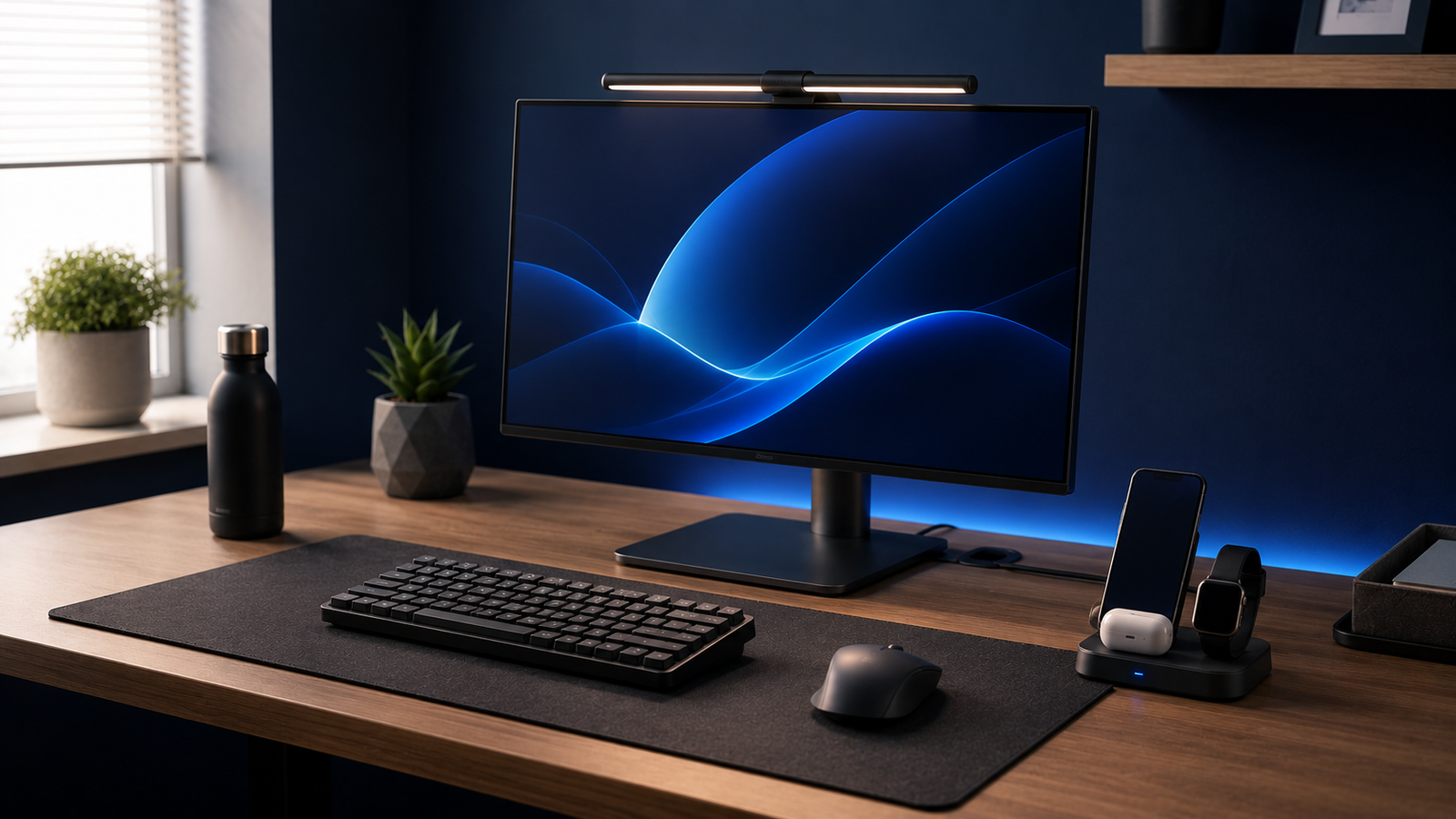
Position the keyboard, mouse and display so your body faces forward. Accessories should support that arrangement rather than push important tools into awkward positions.
Use vertical space
A laptop stand can lift the screen while preserving desk area below. Pair it with an external keyboard and mouse when working for long periods. A phone stand also prevents the device from disappearing beneath papers.
The one-cable objective
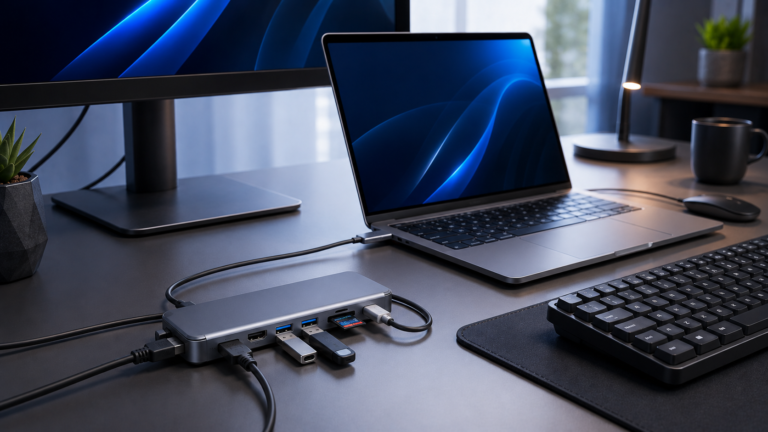
Where compatible, a USB-C hub can carry display, accessories, network and charging through one laptop connection. This makes it easier to start and finish work without reconnecting several cables.
Control cable movement
Cables that slide behind the desk create repeated interruption. Simple clips, sleeves and reusable ties keep them accessible without making them permanent.
Improve calls before buying decorative lighting
Clear audio and a stable camera angle usually matter more than elaborate backgrounds. Position the webcam near eye level and use soft light from the front rather than a bright source behind you.
Create an end-of-day reset
Return the mouse, headphones and charging cable to fixed locations. A two-minute reset makes the next session feel deliberate rather than chaotic.
Useful desk technology should disappear into the routine. You notice the result, not the equipment.