USB-C Hubs: A Practical Buying Guide for Home and Hybrid Work
A slim laptop is convenient until you need a monitor, memory card, network cable and several USB devices at once. A well-chosen USB-C hub turns one port into a practical workspace without requiring a permanent desktop dock.
List the connections you actually use
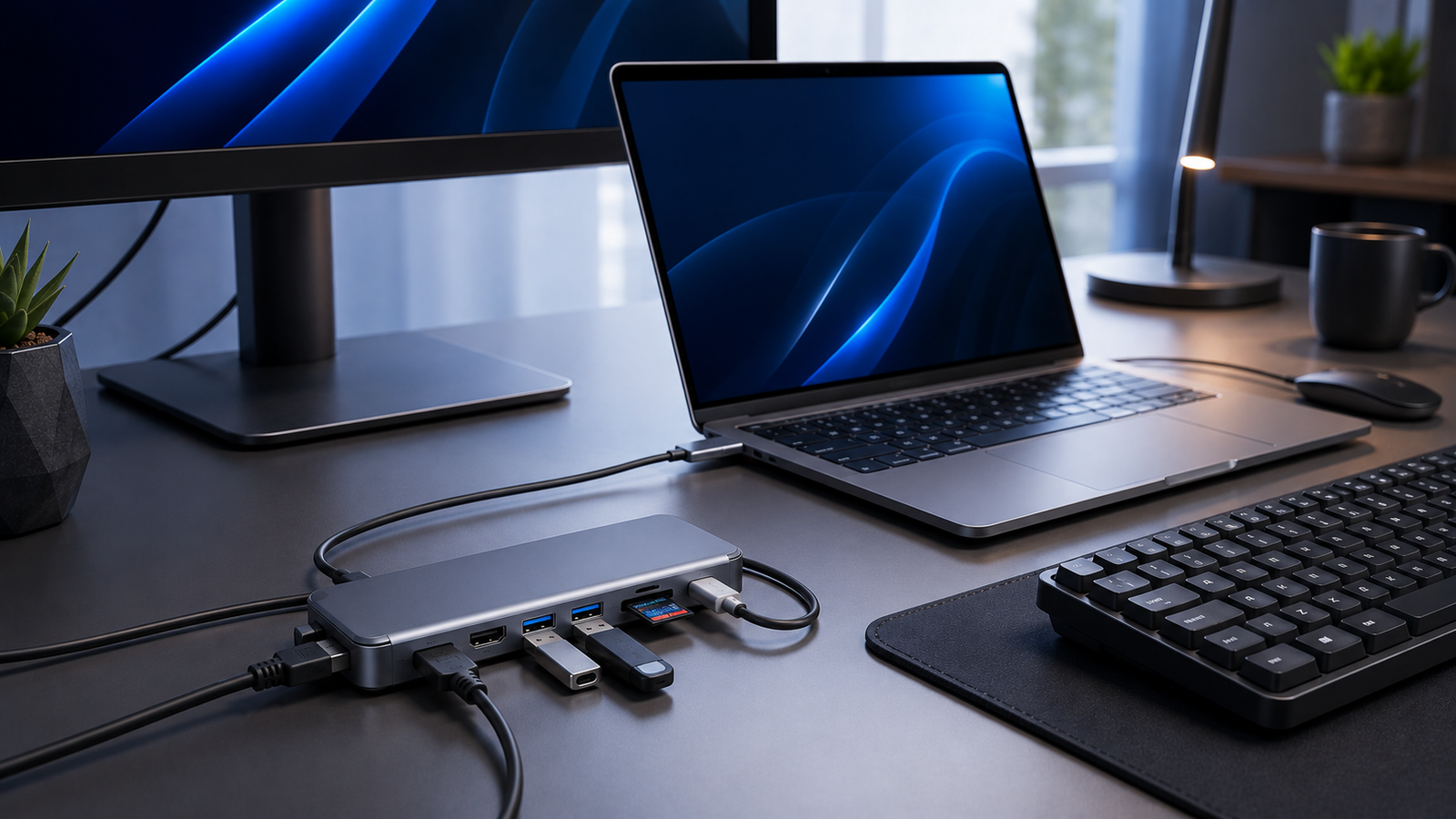
Start with today’s equipment rather than the largest port count. HDMI is useful for displays, Ethernet for reliable networking, USB-A for older peripherals and card readers for photography or video work.
Understand display limits
The presence of an HDMI socket does not guarantee every resolution and refresh rate. Your laptop, cable, hub and display must all support the intended output. For office work, stability is often more important than chasing the highest specification.
Power delivery passthrough
A hub with USB-C power input can charge a compatible laptop while peripherals remain connected. Some power is used by the hub itself, so the laptop may receive less than the charger’s headline output.
Ethernet still has a place
Wi-Fi is convenient, but a wired connection can be more consistent for large uploads, cloud backups and video meetings. A hub with Gigabit Ethernet is valuable when working in hotels, offices or rooms with crowded wireless networks.
Avoid cable chaos
Place the hub where its short host cable is not under tension. Use hook-and-loop ties and route frequently used cables together. Disconnect portable drives safely before removing the hub.
Who needs a dock instead?
A larger dock is better for a permanent multi-monitor workstation with many peripherals. A compact hub is better for portability, occasional expansion and simpler setups.
The right hub is not the one with the most ports; it is the one that removes the adapters you repeatedly reach for.