How to Build a Low-Latency Gaming Setup Without Overspending
A responsive gaming setup is not created by buying every accessory labelled “pro”. It comes from removing delay and inconsistency across display, controls, network and audio.
Start with stable frame delivery
Consistent performance feels better than a high average frame rate with frequent drops. Use settings your system can maintain and close unnecessary background tasks before a competitive session.
Connect critical controls directly
Wired keyboards, mice and controllers remove charging concerns and can simplify troubleshooting. Good wireless devices can also be responsive, but should be kept charged and connected through a suitable receiver.
Polling rate is not the only factor
Sensor quality, wireless stability, game performance and display response all contribute to the experience. Increasing one number cannot compensate for problems elsewhere.
Prefer Ethernet where practical
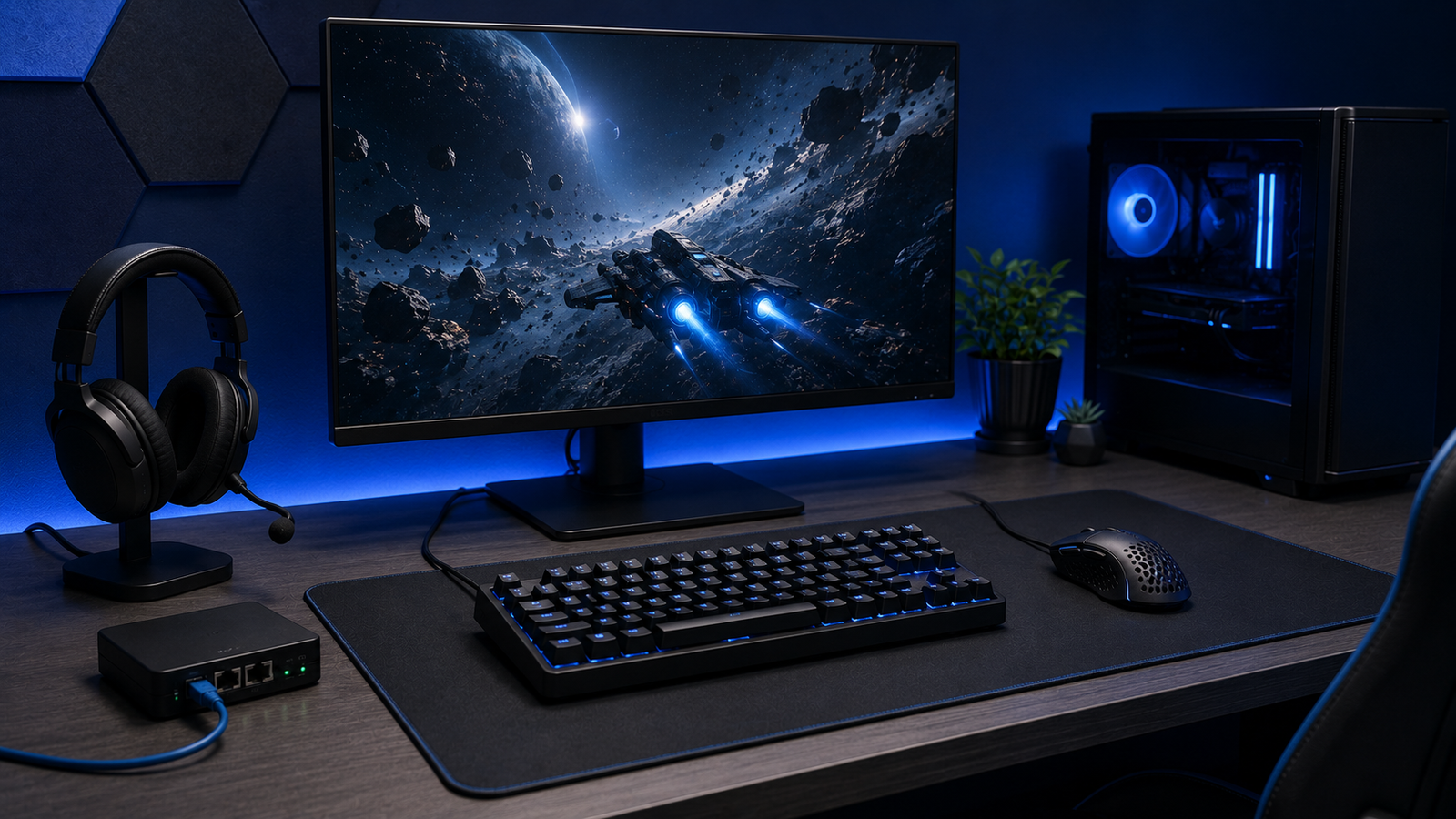
A wired network can reduce interference and sudden variation. When Wi-Fi is necessary, use a strong signal, avoid congested channels and keep the router away from obstructions.
Audio should help, not distract
Clear positional sound and a comfortable fit matter more than exaggerated bass. For wireless headsets, enable a low-latency mode where supported and avoid unnecessary processing.
Improve the physical setup
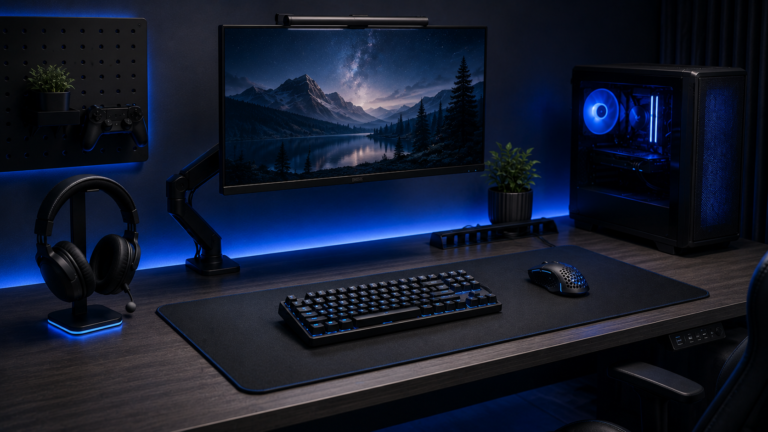
A stable mouse surface, comfortable chair height and sensible cable routing improve control over long sessions. Small ergonomic changes often produce more benefit than decorative lighting.
Responsiveness is a chain. The weakest link may be the network, the frame rate, the display or the input device.