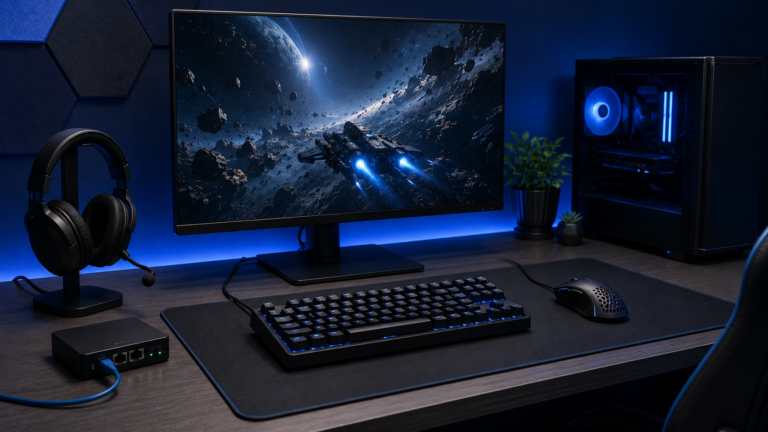
Gaming Desk Upgrades That Make a Real Difference
A gaming desk should support fast, comfortable movement and make it easy to maintain the setup. The best upgrades solve physical problems before adding visual effects.
A larger, consistent mouse surface
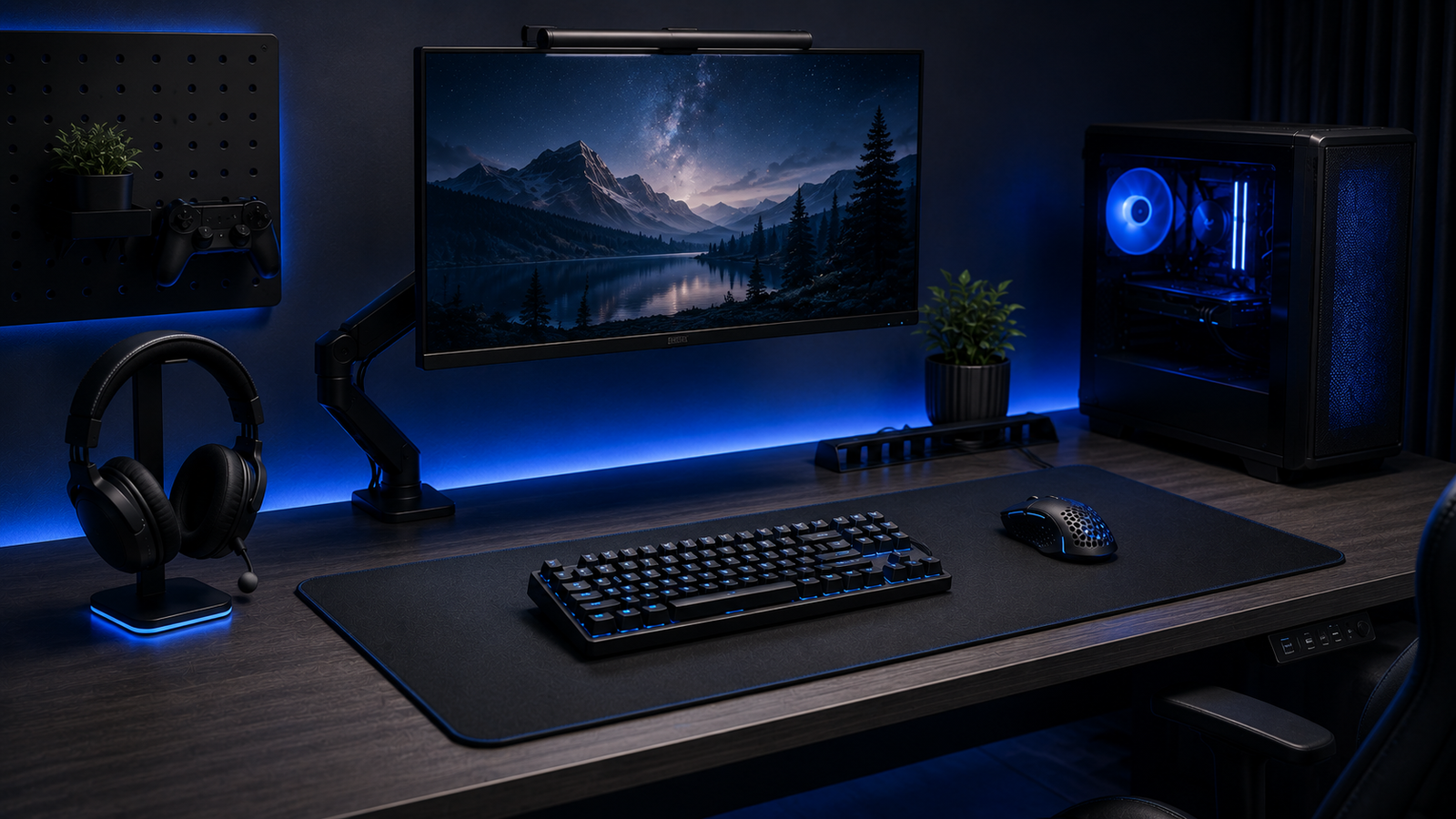
A quality desk mat or mouse pad gives the sensor a predictable surface and protects the desk. Choose a size that allows natural arm movement without hitting the keyboard.
Headset storage
A dedicated hook or stand prevents the cable from catching and keeps ear cushions away from spills. Position it where the headset can be reached without stretching.
Keep charging deliberate
Assign one accessible cable or charging dock to controllers and wireless accessories. A fixed charging point reduces the chance of starting a session with an empty battery.
Use lighting to reduce eye strain
Soft ambient light behind or beside the display can make a dark room more comfortable. Avoid bright reflections on the screen and rapidly changing effects near your field of view.
Control cable drag
A mouse bungee or careful routing can stop a cable pulling against the desk edge. Keep power and data cables organised without bending connectors sharply.
Make maintenance easy
Leave enough room to clean around the keyboard and move equipment. A setup that cannot be maintained will quickly collect dust and become less pleasant to use.
The most valuable desk upgrade is the one you notice every session, not only when the lights are switched on.